

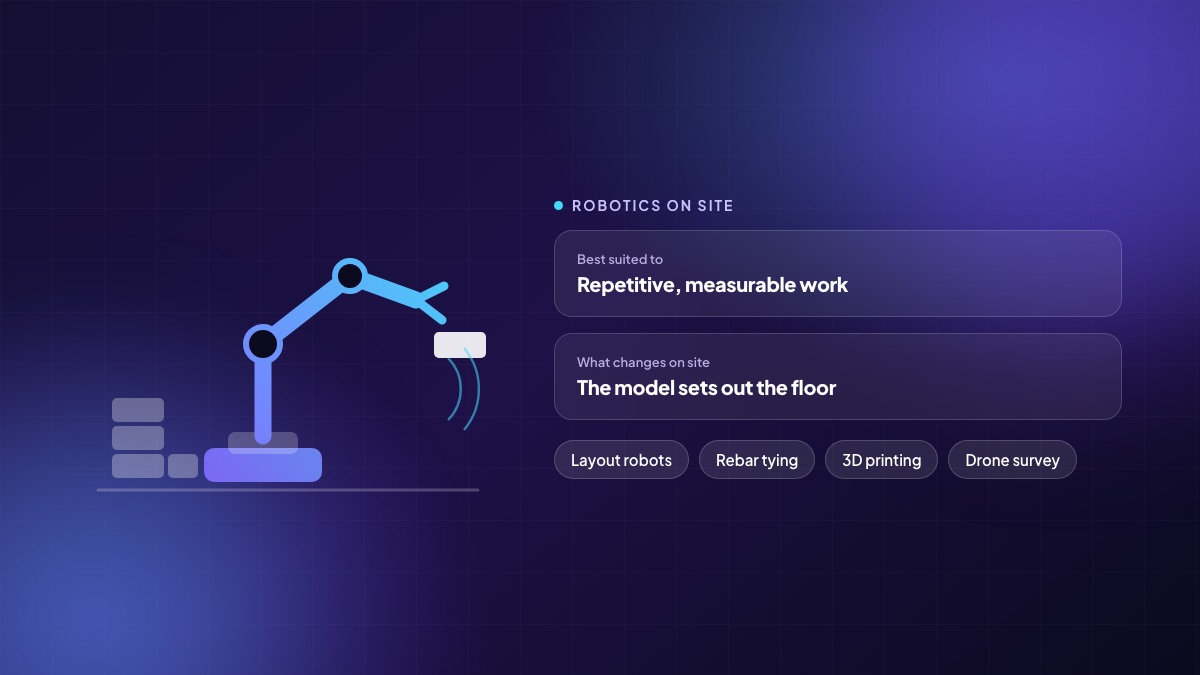
Construction robotics has spent a decade being demonstrated and a couple of years being deployed. The gap between the two is narrowing, but not evenly: some tasks are now genuinely better done by a machine on an ordinary project, and others remain a research exercise with a good video. This is a practical read on which is which, and on the part nobody films — what a robot needs from your office before it can do anything useful on your site.
Why the interest is real this time
Three things changed at once. Skilled trades became harder to hire and more expensive to keep, on projects that are getting larger and more schedule-sensitive. Positioning technology — total stations, LiDAR, RTK — became cheap and accurate enough to tell a machine where it is inside a building. And enough projects now carry a usable 3D model that a machine can be given coordinates instead of a drawing to interpret.
That last point matters more than the hardware. A robot is a very literal subcontractor. It cannot read a drawing, ask the site engineer what was meant, or work around a discrepancy. Everything it does has to arrive as data.
What is working on ordinary projects today
Layout and set-out
The most widely adopted and the least glamorous. A layout robot takes points from the model and marks them on the slab — walls, penetrations, sleeve positions, anchor points — at survey accuracy, overnight, without a two-person crew and a tape. The value is not only speed. It is that the marks match the model, so the coordination problems get caught on the floor instead of during MEP installation.
Drilling overhead
Ceiling drilling for hangers and supports is repetitive, overhead, dusty and a common source of shoulder and wrist injuries. Semi-autonomous drilling rigs take the point list from the model, position themselves, drill and log what they drilled. This is a task where the machine's advantages — consistency, tirelessness, dust capture at source — align exactly with the job's difficulties.
Rebar tying
Tying is monotonous, done bent over, and enormously repetitive on a large deck. Rebar-tying machines travel the mat and tie intersections. They do not replace the crew that places the bars; they take the worst part of the crew's day.
Survey, progress capture and scanning
Drones for earthworks volumes and external progress, ground robots and 360-degree cameras for internal capture. The output is a dated, positioned record of what existed on a given day. This is quietly the most valuable robotics category on most projects, because it feeds progress certification, dispute resolution and as-built documentation at the same time.
Bricklaying and block placement
Real and deployed, but conditional. Machines that place blocks or bricks work well on long, regular, repetitive runs and poorly on complex, cut-heavy, irregular work. The economics turn on how much of your wall area is the easy kind.
Large-scale 3D printing
Genuinely built structures exist, and the technique is strongest for foundations, boundary structures and low-rise forms where the printed geometry is the design intent rather than a substitute for conventional construction. Treat it as a specialist method with a narrowing but real niche, not as a general replacement.
What is still mostly a demo
- General-purpose humanoid site labour. Impressive, and years from doing an economically meaningful shift on your project.
- Autonomous finishing trades. Plastering, tiling and painting robots exist; they need conditions most sites cannot yet provide.
- Fully autonomous earthmoving fleets. Assisted and semi-autonomous machines are in production use. Removing the operator entirely is not, on ordinary sites.
What a robot needs from your office
This is the part that decides whether a pilot succeeds, and it is almost never about the machine.
- A model that is accurate enough to build from. Not a visualisation. Coordinates you would be willing to drill to.
- A control point network on site so the machine knows where it is, maintained as the structure goes up.
- A clean, powered, level working area at the time the machine is scheduled. Most lost robot hours are lost to a slab that was not cleared.
- Someone who owns the data. Extracting the point list, checking it against the latest revision, and pushing it to the machine is a real job.
- A way to record what was done. If the output does not reach your progress and quality records, you have automated a task and kept all the paperwork.
Building the case honestly
The naive case compares a machine's hourly output to a crew's hourly output. The real case has to include mobilisation and demobilisation, operator training, idle time waiting for the area, the model preparation effort, and the proportion of the work that is actually the regular kind the machine handles well.
Where the numbers usually come out well: high-repetition work on large floor plates, tasks with a real injury rate, work on the critical path where schedule certainty is worth a premium, and anything that currently gets redone because it was set out from a drawing by hand.
A sensible first step
Pick one repeatable, measurable task on one project — set-out is the usual choice — and run it for a full floor cycle alongside your existing method. Measure four things: time to complete, rework generated downstream, the crew hours released, and the effort your office spent preparing data. Only the fourth is usually a surprise, and it is the one that determines whether the second floor is cheaper than the first.
Written by the Teczen team. If you want to talk through how any of this applies to your projects, book a working session — no slides.